

 iDeemlawful
The National Identity Management Commission (NIMC) has introduced a convenient method for Nigerians to update their NIN details, which have become mandatory for SIM card registration and banking transactions.
Previously, individuals faced challenges modifying their NIN data, requiring visits to NIMC offices nationwide, but now, all modifications can be easily done through the NIMC Self-Service App
Reactions from Nigerians indicate appreciation for the initiative, with many users expressing satisfaction
The National Identity Management Commission (NIMC) has announced a new, easy way for Nigerians to modify their data on the National Identification Number (NIN).
MOST READ ARTICLES
Having an NIN has become compulsory, following the federal government’s directive asking telecommunication companies to block SIM cards not linked with the number.
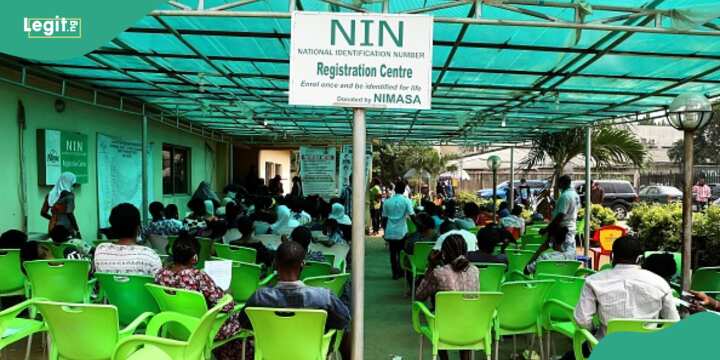
Applicants usually wait to obtain national identity numbers at the NIMC office, in the Lagos state capital of Ikeja, on December 30, 2020.
Also, apart from its requirement for SIM usage, NIN is also needed for all banking transactions in the country, which requires identity verification and several other things, according to NIMC.
Before now, Nigerians who wanted to modify their data on NIN have had to go through a difficult process, besieging NIMC’s offices nationwide.
However, the commission has announced that all modifications on the NIN can now be done seamlessly on the NIMC Self-Service App. NIN:
How to modify your data
- Log on to https://selfservicemodification.nimc.gov.ng
- Click on Register if you don’t have an account
- Click on login if you already have an account
- After login, you will be requested to provide your NIN, last name and email address
- After providing the above, the data modification channel will be accessible